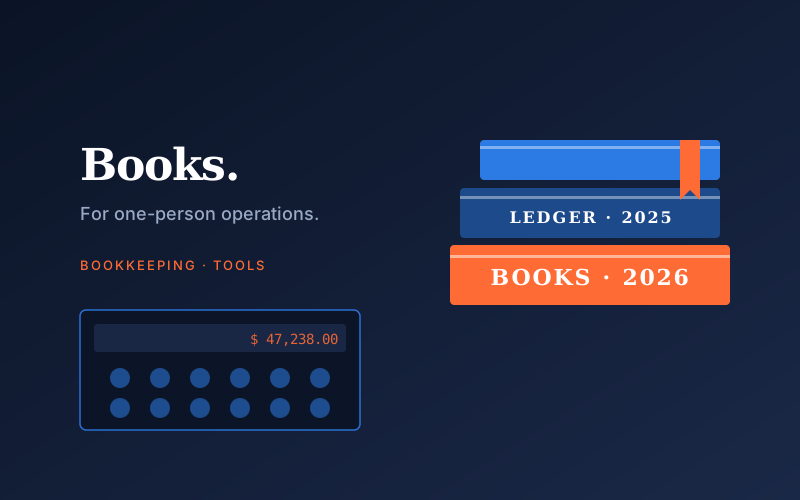
Bookkeeping software lists are dominated by tools built for businesses with payroll, inventory, and accountants. None of that applies to a solo business. Here is what actually matters when you are the entire finance department.
What you actually need to track
- Money in: which client, how much, when, in what currency.
- Money out: which expense, how much, when, deductible or not.
- Receipts: linked to expenses, searchable, surviving for at least 7 years.
- Reports: P&L by quarter, expense categories for tax filing.
That is it. Anything else — inventory, payroll, project profitability, multi-entity consolidation — is either irrelevant for a solo, or premature.
The contenders worth your time
- Wave — free for the bookkeeping core, paid only for payments and payroll. Strong for invoicing solos. Has been acquired and re-released a few times, so check current status before committing.
- FreshBooks — best invoicing UX of any tool I have used. Bookkeeping is decent but not deep. Worth it if invoicing is your primary pain.
- Xero — heavier than Wave or FreshBooks, but if you anticipate hiring an accountant, most of them are fluent in Xero. Easier handoff later.
- QuickBooks Solopreneur — the stripped-down version is more tolerable than QuickBooks Online. Worth a look if you already use Intuit's tax tools.
When a spreadsheet is enough
If you have under $50,000 in annual revenue, work with five or fewer clients, and operate in a single currency, a spreadsheet is genuinely enough. Anyone who tells you otherwise is selling something.
The minimum viable spreadsheet has four tabs: Income, Expenses, Categories, and Year Summary. The Year Summary tab uses SUMIF formulas to pull totals from the first two tabs by category. That is your tax-prep document.
Where spreadsheets break down: when you have so many transactions that manual entry becomes the bottleneck. At that point, software pays for itself by auto-importing from your bank.
When to hire a bookkeeper
Hire a bookkeeper when one of these is true:
- You have stopped reconciling because you dread it.
- You have multi-currency revenue and tax implications you cannot reason about.
- You are spending more than 4 hours a month on books and your hourly rate as a freelancer is > $80.
The math on the last point is brutal. If you bill $100/hour and spend 5 hours a month on books, that is $500 of opportunity cost. A part-time bookkeeper costs $150 to $300 a month. The decision is not close.